 BlackMythWukongZone
Modding Black Myth Wukong in 2026: Still the Best Way to Tame the Monkey King
Black Myth Wukong performance mods deliver stutter-free, crash-proof mythical battles even on aging hardware.
Look, I love Black Myth Wukong. It’s been two whole years since the Destined One crash-landed onto our Steam libraries, and I still can’t stop marveling at the game’s razor-sharp combat and jaw-dropping mythical landscapes. But here’s the ugly truth: even in 2026, not every rig is born equal. My old RTX 2060 laptop starts sweating like a marathon runner the moment I step into the New West. Stuttering? Check. Frame drops? Double check. Crashes that send me straight back to the Stone Monkey’s lair? Oh, you bet. Thankfully, the modding community—those unsung heroes with more dedication than a Buddhist monk—has been cooking up fixes since day one. After dozens of hours tweaking .pak files and registry entries, I’ve gathered the ultimate survival kit of Black Myth Wukong performance mods. Whether you want to squeeze every last frame out of a potato PC or just make the visuals pop like a firework in a monkey’s paw, here’s how to mod your way to enlightenment.
The Holy Trinity of Wukong Mods (And Then Some)
Let’s start with the essentials. The base game launched in a surprisingly polished state, but a few rough edges still haunted us—random stutters, micro-freezes during those over-the-top boss transformations, and the odd crash when you least expected it (usually right before delivering the final blow to Tiger Vanguard). That’s where the BMWK - SPF Mod by the legendary modder xowny comes in, and honestly, it deserves a shrine. This thing is pure black magic: it slashes stuttering and boosts overall smoothness without turning the Celestial Realm into a muddy mess. No more sudden frame pacing disasters when the camera spins to show a sweeping valley.
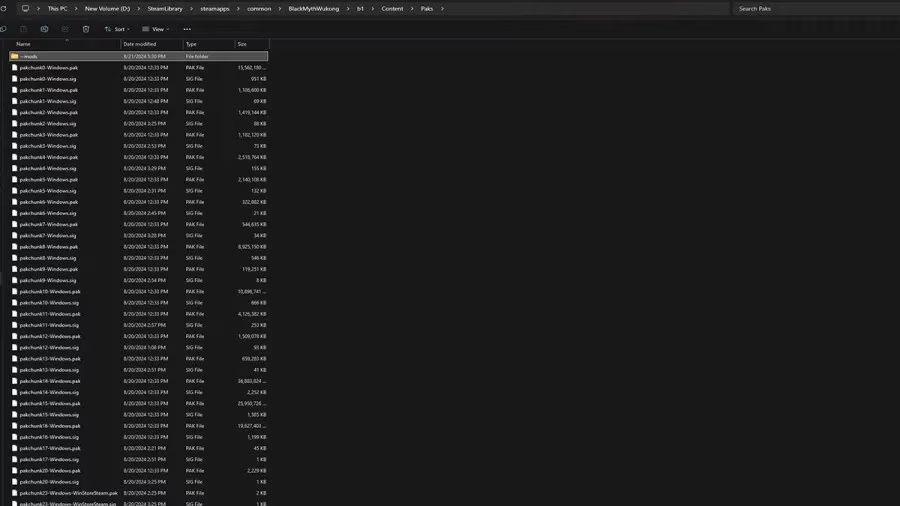
Installation is dead simple even if you’ve never touched a mod before. Head to your Steam library, right‑click Black Myth Wukong, hit Manage → Browse local files. Navigate through b1\Content\Paks\. If you don’t already have a ~mods folder inside Paks, create one and name it exactly ~mods (yes, with the tilde—that little squiggle is sacred). Then just plop the pakchunk99-Mods_CustomMod_P.pak file from the download into this fresh folder. Launch the game, and boom—you’re playing the same gorgeous title, minus the hiccups. I still use this mod on my backup machine, and it’s basically a free performance upgrade.
Next up is a tiny tweak that does exactly what it says on the tin: the Anti‑Stutter - High CPU Priority Mod. Black Myth Wukong is a CPU‑intensive beast (all those fur physics and particle effects don’t process themselves), and sometimes Windows just doesn’t give it the attention it deserves. This mod forces the game to run with high CPU priority, which can iron out those erratic frame time spikes. Instead of messing with Task Manager every single session, you just run a single .reg file included in the download. If things go sideways—though they never have for me—there’s an uninstaller .reg file right there to reverse the change. It’s the kind of no‑nonsense fix that makes me wish every game shipped with an official “please treat me seriously” button.
Make It Prettier, Make It Uglier, Make It Yours
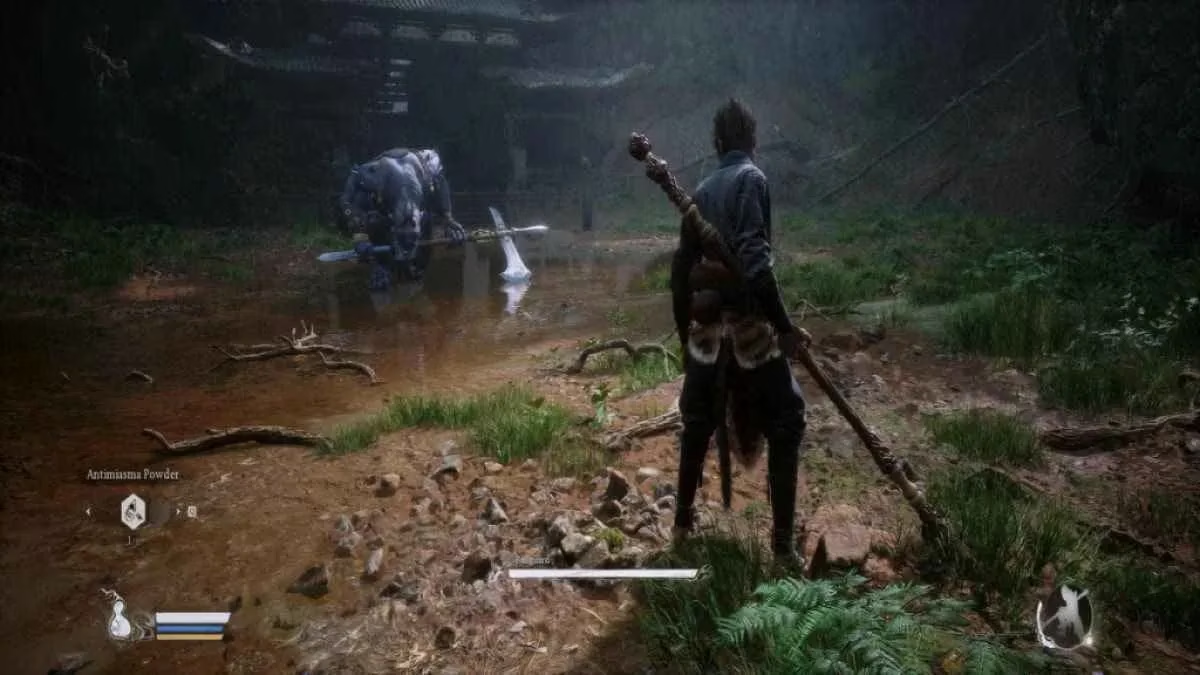
Now let’s talk eye candy, because what good is a mythic odyssey if you can’t admire the peach blossom forests in all their resplendent glory? The Enhanced Wukong Visuals mod by FrancisLouis is my personal favorite. It subtly overhauls post‑processing effects—fog, depth of field, lens flare, bloom, anisotropic filtering—to give the world a crisper, more cinematic sheen. The difference is like wiping a layer of celestial dust off your monitor. Forests look deeper, weapon glints sparkle more dramatically, and distant mountains gain a painterly grandeur.
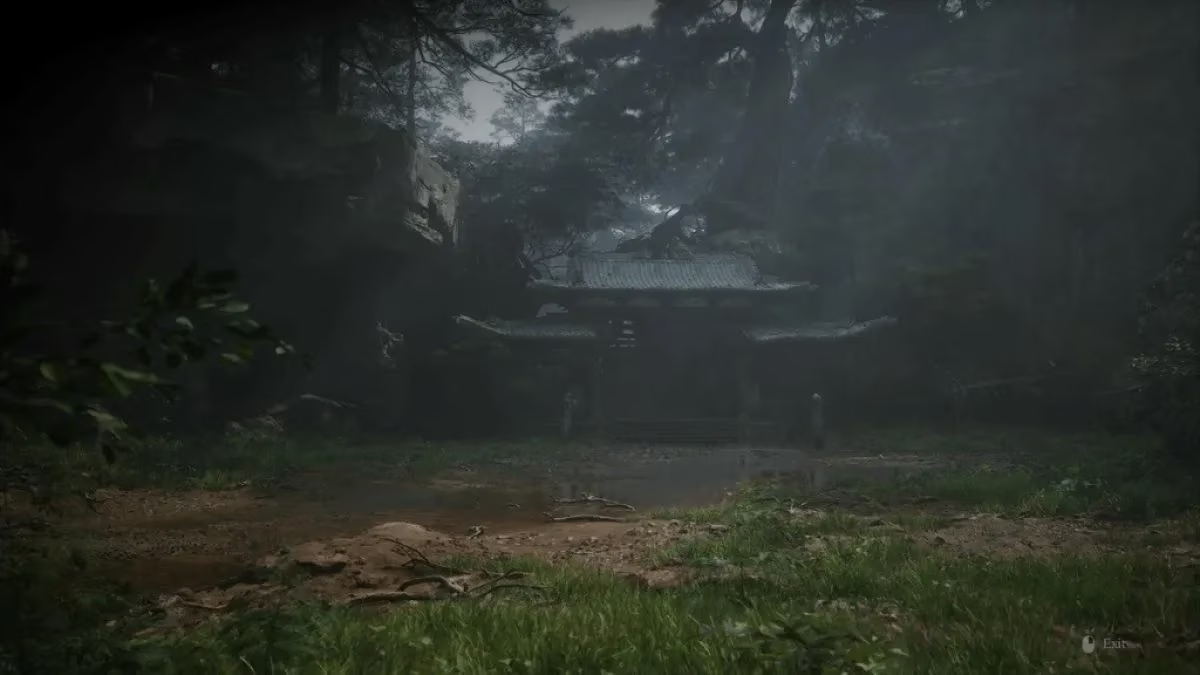
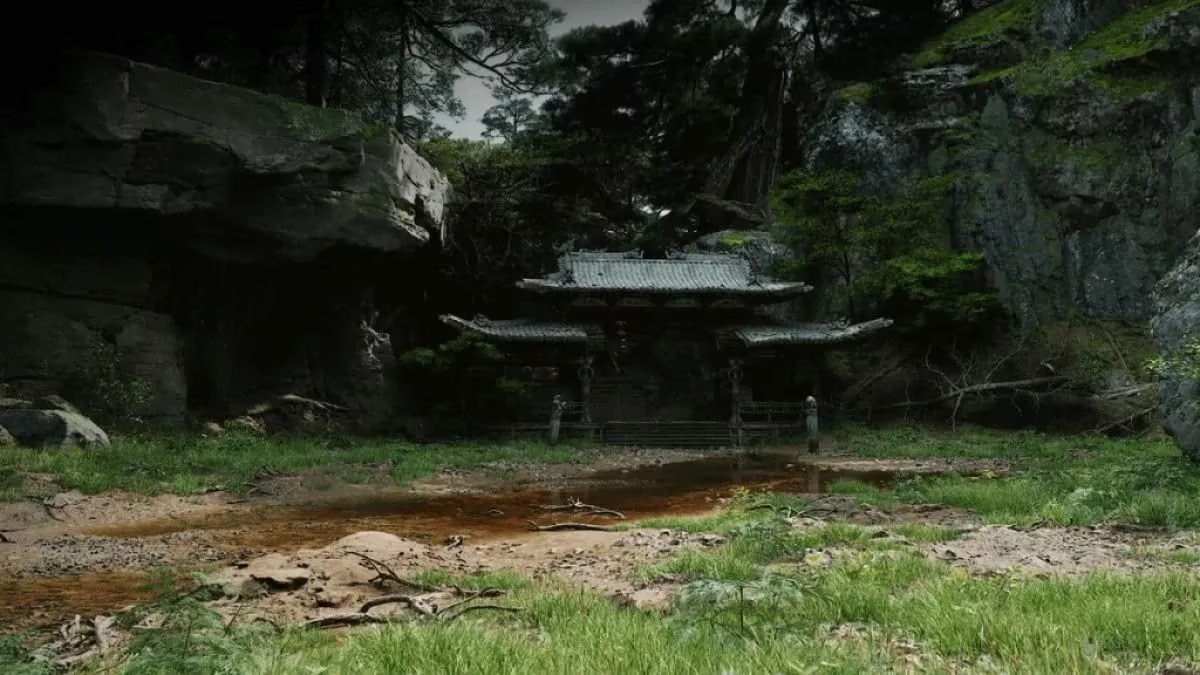
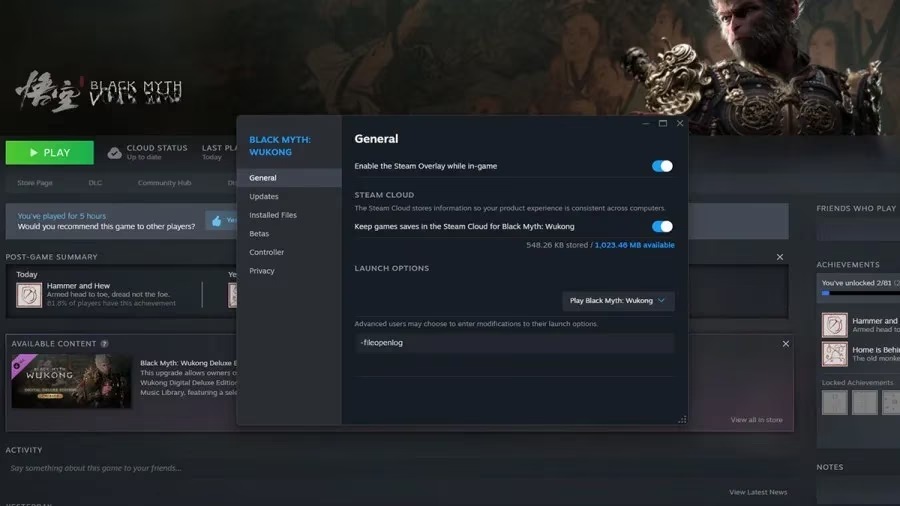
Installation mirrors the first mod: drop the ZZFrancisLouis_EWV_P.pak into the ~mods folder. But there’s one extra step that trip up newcomers—you must add the launch option -fileopenlog inside Steam’s game properties. Without that command, the mod sits there inert, quietly judging your lack of terminal savvy. Once active, you can toggle comparisons on the fly, and honestly, I can’t go back to the vanilla haze anymore.
But what if your PC isn’t exactly blessed by the Jade Emperor? Enter the Downgraded Wukong Visuals mod, the beautifully practical twin of the enhanced variant. This one, also from FrancisLouis, is specifically engineered to claw back performance—up to a staggering 50 extra frames per second in the most aggressive preset. You read that right. The mod offers three tiers, and picking the right one feels like choosing a difficulty level for your graphics card:
-
🟢 Slightly Downgraded: ~8 FPS boost. Tones down shadows, render distance, and LODs just a smidgen. You’ll barely notice the visual sacrifice.
-
🟡 Considerably Downgraded: ~12 FPS boost. A more noticeable reduction, but still keeps the game perfectly playable and miles ahead of a blurry console port.
-
🔴 Significantly Downgraded: ~50 FPS boost. This preset is for low‑end warriors. The graphics take a real hit—textures soften, details vanish—but if you’ve been dreaming of fluid combat on integrated graphics, this is your golden ticket.
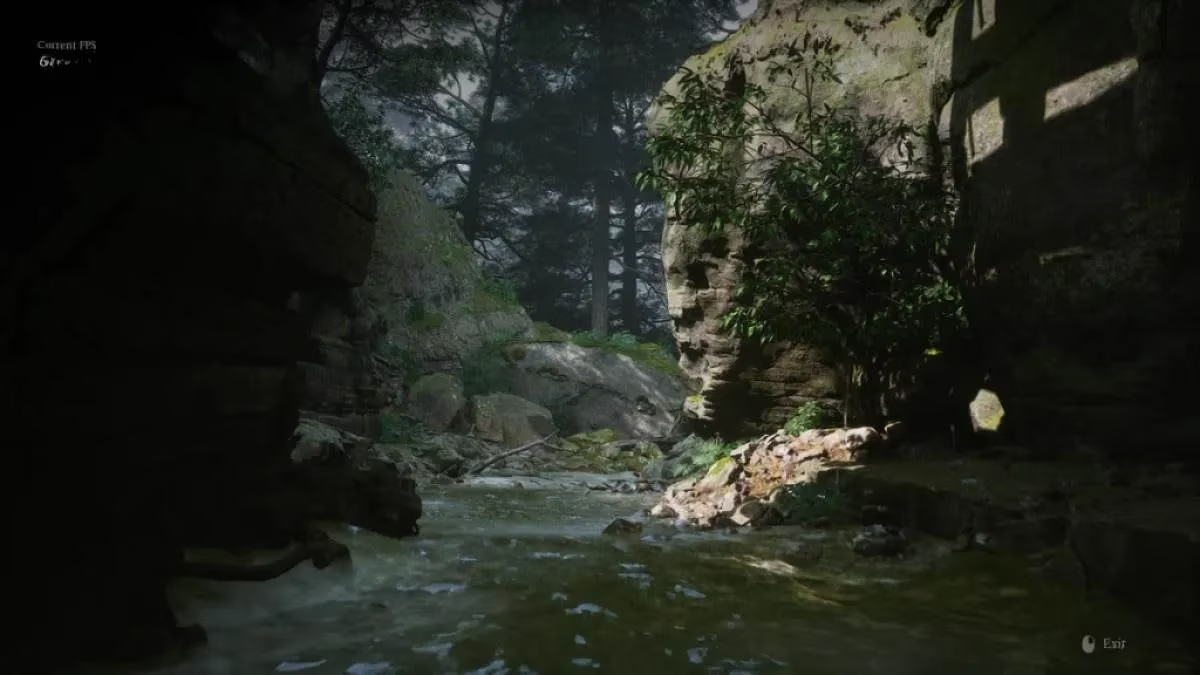
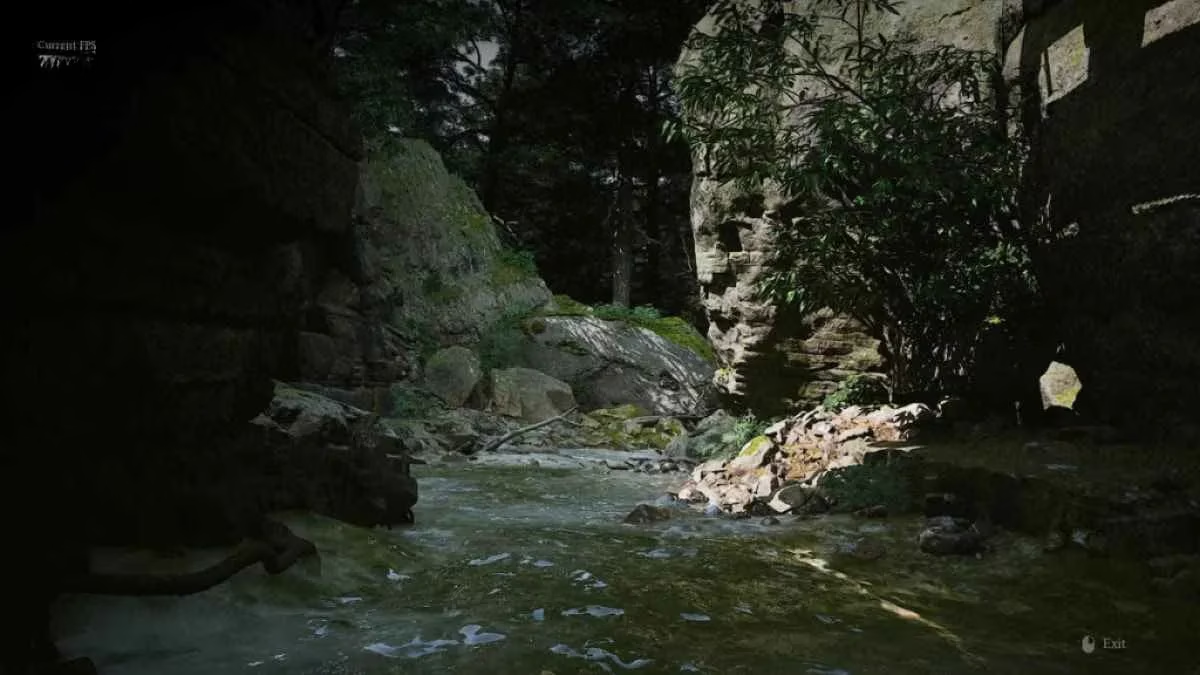
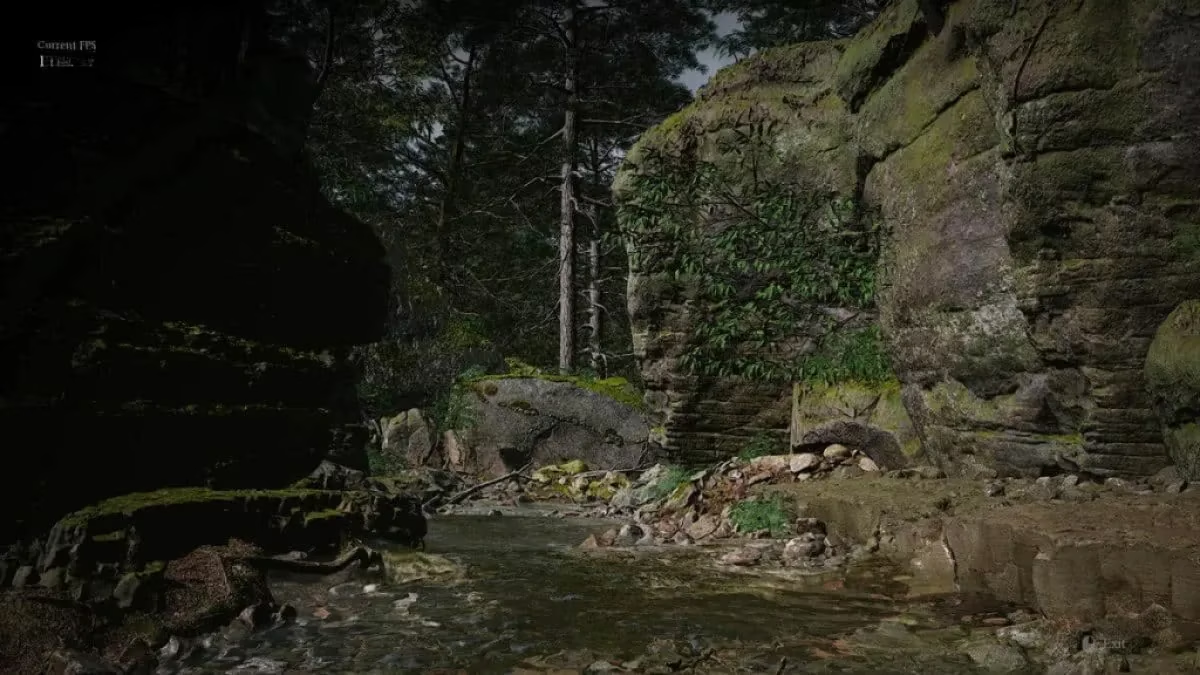
I’ve tested all three, and the “Slightly” preset is a no‑brainer for almost any modern rig having a bad day. It’s like giving your GPU a tiny vacation while the game still looks like a 2024 masterpiece.
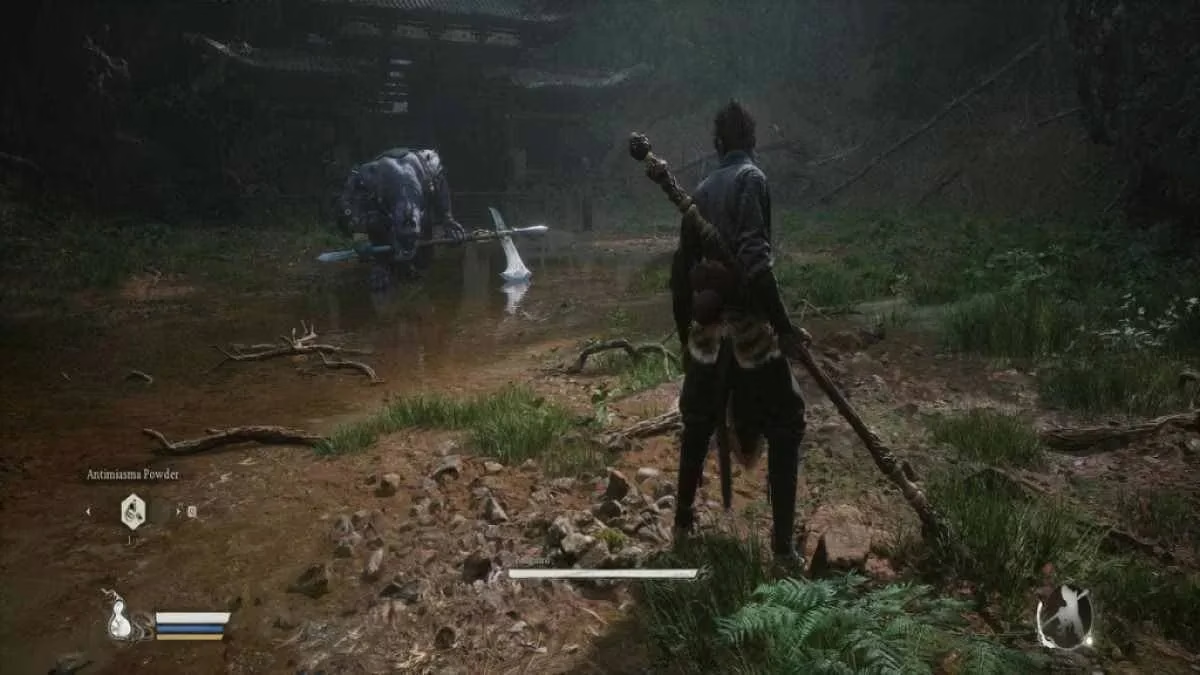
Finally, the Simple Realistic mod by Chris Rubino. This one doesn’t touch performance at all—it’s a pure Reshade preset that injects a dose of vitality into the palette. Illumination becomes richer, colors get a deeper vibrance, and the post‑processing sharpens details without looking artificial. It’s especially stunning in the thunder‑soaked skies above the Yellow Wind Ridge. To install, extract the files into b1\Binaries\Win64\ (the same folder where b1-Win64-Shipping.exe lives). Once in game, tap the Del key to toggle the shader and the End key to open the Reshade UI where you can fine‑tune saturation, light intensity, and dark levels. I spent a good half hour just twiddling sliders until my Wukong looked like he’d stepped straight out of a classic wuxia painting.
Quick Reference: Which Mod Does What?
| Mod | Effect | Installation Shortcut |
|---|---|---|
| BMWK - SPF | Reduces stutter, improves frame pacing | ~mods folder + |
.pak |
| High CPU Priority | Forces high priority via registry | Run .reg file |
| Enhanced Wukong Visuals | Richer post‑processing, sharper image | ~mods + launch option -fileopenlog |
| Downgraded Wukong Visuals | Three preset performance boosts (8–50 FPS) | ~mods + choose preset file |
| Simple Realistic | Reshade color/vibrance/illumination upgrade | Extract to Win64 folder, use Del/End keys |
Two Years Later, the Mods Still Reign
By 2026, Game Science has patched Black Myth Wukong a dozen times, but the mods I’ve listed remain essential companions. Whether you’re a new player on a modest laptop or a returning veteran who wants to re‑experience the Journey with a fresh coat of paint, these community‑crafted gems let you tailor the game to your exact hardware and aesthetic taste. The modding scene has only grown richer—now there are even weapon replacer mods that turn your staff into a giant umbrella, but that’s a tale for another day. For now, grab these five, follow the simple folder dances, and watch that stuttering monkey dance turn into a flawless somersault through heaven and earth.
May your framerate be high and your hitboxes be generous.